 By Ileana Marcut
/
12 Oct 2026
/
6 min read
How to use the concept of “labs” as part of your AI design workflow, and to move exploration out of Figma directly into code.
Since I started working with AI, almost every project I take on now has a lab.
The idea of a lab came from a very practical problem. The first time I thought about moving design explorations out of Figma and into code, I needed somewhere for those explorations to live. I needed a place where the team and the client could look at them, react to them, and build on them.
That is how the idea of a lab inside every project was born. I started with our own branding at Creative Glue Lab, and now it is how I begin almost every project.
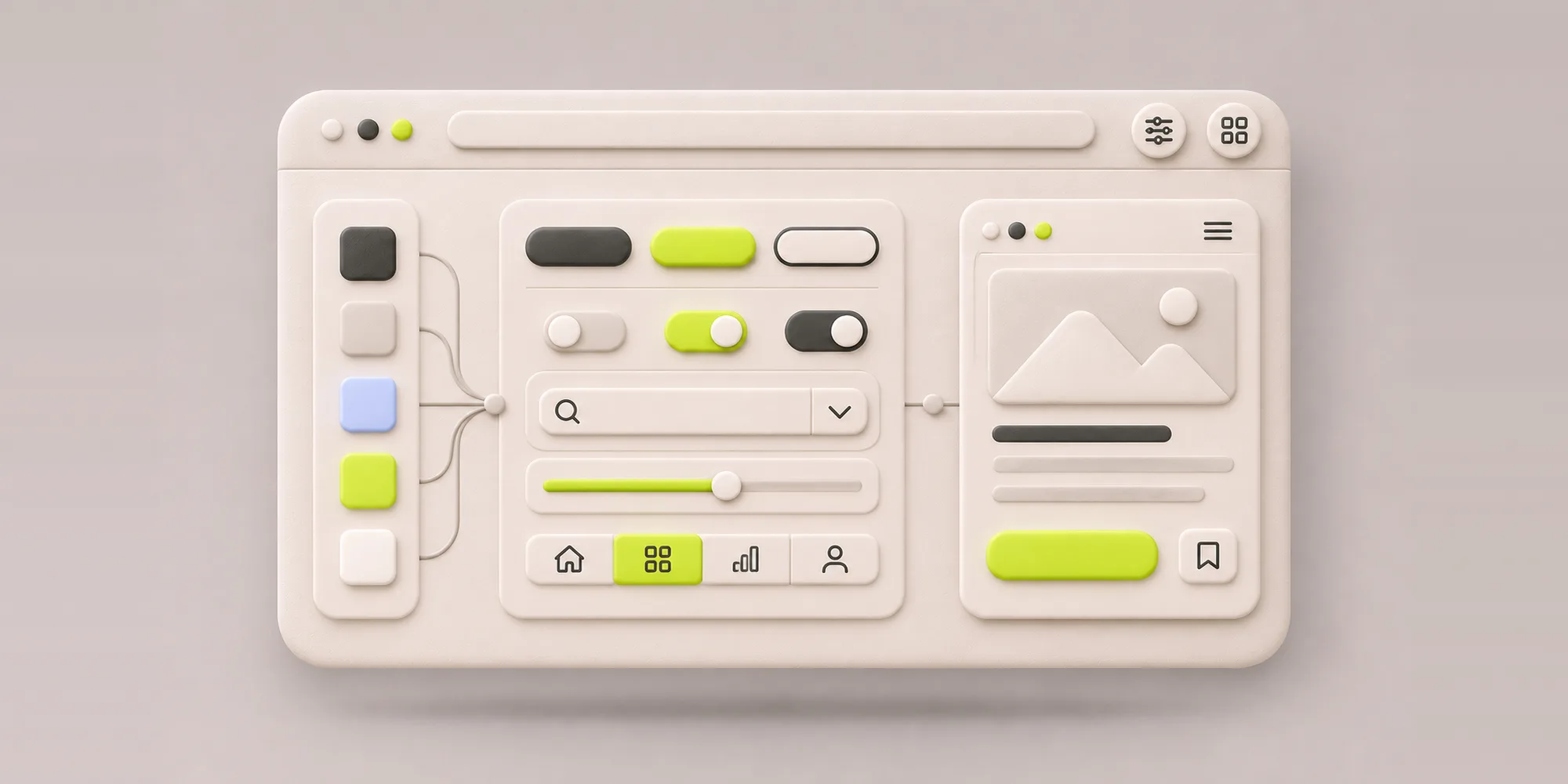
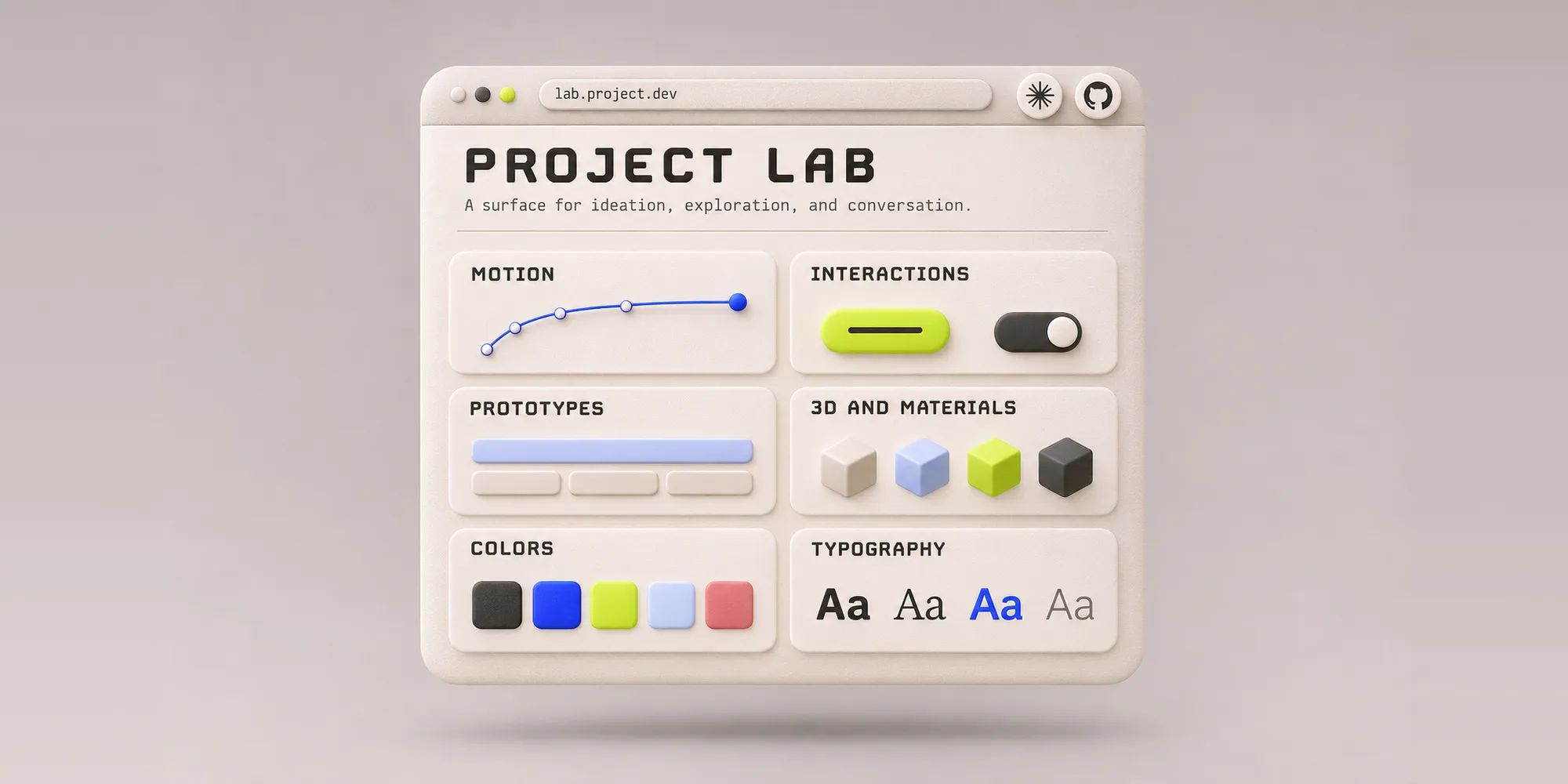
The lab is a living space in code. It is where I play with branding direction, colors, fonts, layouts, animation and motion, illustration styles, and UX flows and concepts.
Where does your ideation space live right now?
The Traditional Way of Doing It
This is how most of us worked for years.
When you are just getting started, you create a mood board. It sets the direction, helps you make decisions, and shows the team and the client the vibe and visual style that go with the brand.
Then you apply that direction to specific layouts so people can see how it looks on real screens. If the project calls for it, you create a clickable prototype with a few interactions.
For each step, you probably make multiple variations, mix and match ideas here and there, wrap everything in a deck, and run workshops and rounds of feedback before moving to the next one.
When a direction is approved, you package it. That might be a brand manual, a style guide, a UI kit, a full design system, specs, and assets for the developers. Then comes the handoff, and someone rebuilds all of it in code.
From Deliverables to a Lab
I do not produce those exact deliverables anymore. The lab replaced them.
Everything that used to be scattered across different tools now lives in one place, and all of it is in code, the same code the product is built with.
Because AI is in the loop, I can iterate fast. I can take one idea, create multiple variations of it in seconds, put them side by side, and present and discuss them.
That is what the lab is: a surface for ideation, exploration, and conversation.
What the Lab Makes Possible
These are the four main things it made possible.
1. Motion and Interactions Are Easy to Play With
Creating motion and interactions used to be expensive. It took time, and you needed someone really good at it to make something amazing. For most projects, motion came late, if it came at all.
Today, with AI, I can explore much more of it myself. Motion is now part of the lab from the start. While I explore a direction, I am already thinking about transitions, hovers, animations, and more complex experiences.
When a project wants something more creative, I can go into shaders, particles, and 3D. I can explore UX flows and play with microinteractions, the small details that make a lot of impact.
That is huge for branding, and it is huge for UI design.
2. Ideas Are Already Usable
This is the part I love most.
In the lab, the idea is already a usable thing. When I explore a component, motion, textures, or layouts, what I get is a real coded component. I can reuse it, evolve it, or keep exploring from it instead of starting over.
It is ready for a frontend developer to work with, and ready for other designers on the team to pick up, reuse, and grow.
It also creates recipes for AI. Instead of having only a list of components, fields, and buttons, you can evolve the design system with motion direction, illustration style, and UX patterns.
3. Co-Creating With Clients
From a mood board and a few static images, it is hard to imagine how a brand, a design, or a prototype will look. We are asking people to imagine things.
With the lab and AI, I can create something much closer to the real thing. I can quickly simulate layouts with different branding directions, try different interactions for a feature, and show designs that already look mature.
People react to what they see, rather than what they are trying to picture, and the conversation moves faster toward decisions.
It also changed the client meeting itself. Now we sit together and I ask: What if this were more serious? What if the motion were softer? What if the color were a bit warmer? And I change it while they watch.
4. A Shared Space That Keeps Evolving
The lab is a living thing. It is where I collaborate with my team and with the client. It is where we experiment with things that can go into the design system, into the product, or stay as ideas for the future.
It keeps growing along with the project. It basically replaces the playground pages I used to have in Figma, the mood boards, the PDFs, and the Miro boards.
Collaboration Without a Canvas
When everything is not sitting in one Figma file, the obvious question is how a team works together. At my studio, I work with developers and other designers.
This is how we work together.
- Figma is still there. We use it to sketch, ideate, try textures and combinations, and move things around fast. A canvas still gives you a kind of control that nothing else does. We just do not build the whole thing there anymore.
- The lab is in code. Most of the exploring happens directly there. Ideas are made, compared, and shown in the lab, and it is where everyone looks at the work.
- The design system and the lab feed each other. Most of the time, we already have a design system, and it feeds the lab so whatever we explore stays in line with the project. It works the other way too. We explore new components and ideas in the lab before adding them to the design system.
- GitHub is where we meet. Every project has a repository, and every project’s lab has its own repository. Designers and developers both work in them. We pull the latest version, push our ideas, and see each other’s work.
- Artifacts help us share work in progress. We use Claude internally for our AI building. When something is half done, or when we want to show one exploration to a client, we can share it as a Claude artifact.
It took time to get used to working with developer tools and a developer mindset. At first, it felt like designing in the dark. You are used to canvases and to putting your hands on things, and now you are working through text, in an environment that can feel isolating compared with being on a canvas together and moving things around with other people.
So yes, it is a transition. It takes time to get used to it, find your own way of working, and find a way that makes the whole team feel comfortable.
Start Small
The lab started as a place to put explorations that no longer fit in Figma. It turned into the way I work, and the way my studio works. It is still unfolding, and I expect it to look different again in a year.
If you are wondering where to start, start small. Give your next project a lab, put one idea in it, and start playing.
Originally published on UX + AI by Ileana Marcut, co-founder of Creative Glue Lab.